The platform

One control layer.
The whole operation.

Plan the mission. Run the fleet. Deliver the result.

See it running

Watch the platform
do the work.

Two recorded walkthroughs of the real product — no mockups. Play them with sound.

The app suite

Plan, fly, and process in one workspace

A full run through the FlightOps app suite — building a mission over a live site, flying it, and turning the capture into mapped, tagged output.

GlobalOps

Many sites, many tenants, one picture

GlobalOps running multiple perimeters and live missions at once — shared models, per-project isolation, and live video feeds in a single 3D operating picture.

The function set

Every function.
Grouped by the work.

Seven groups that cover a whole operation — many drones, many missions, one operator.

01

Automated planning and validation

You set the objective. The system plans it, then keeps re-checking it.

  • Objective, not waypoints State the goal; the system computes route and altitudes.
  • Planned around constraints Perimeters, no-fly zones, terrain, and energy shape every route.
  • Validated every second Routes re-checked continuously against airspace, terrain, and other drones.
  • Automatic re-planning A new restriction appears; the route recomputes without an operator.
  • Patrol, scan, track Loop a route, grid-scan an area, or follow a target.
  • Actions along the route Attach camera moves and AI checks to route points.
02

Multi-drone operation

Many drones, many missions, running side by side under one operator.

  • Automatic allocation Each mission takes the next available drone, or one you pick.
  • Many missions at once One console runs concurrent missions across sites and perimeters.
  • Retask in the air Send an airborne drone to a new mission without landing.
  • Save and schedule Save a mission once; run it again or on a schedule.
  • Layered failsafes Lost link or low energy triggers return home, landing, or parachute.
  • Edge and onboard autonomy Agents run at the dock or aircraft; less dependence on the link.
03

Camera and control

Aim, switch sensors, and take over any drone in the fleet.

  • Take manual control Break into any automated route with mouse, keyboard, or joystick.
  • Aim by dragging Aim the camera by dragging on the live video.
  • Day, night, thermal Switch sensors in flight, or view thermal and visual together.
  • Any camera, any drone Third-party and custom payloads, not one vendor’s camera.
04

AI processing

AI runs on every drone’s feed, on the missions you choose.

  • Detection on every drone People, vehicles, and vessels detected across the whole fleet.
  • Prompt-based detection Type the target in plain words; the mission looks for it.
  • Track and follow Lock onto a moving object and keep it in frame.
  • Results out by API Alerts, detections, and reports stream to your own systems.
05

Mapping and 3D

Flights become maps and 3D models of the site you operate.

  • Built-in photogrammetry 2D maps and 3D models processed inside the platform.
  • Area scan to map Fly a polygon; captures stitch into one composite map.
  • Live 3D picture Drones, missions, and models on one 3D view of the site.
  • Your own map layers Bring 2D and 3D map data into the shared operating view.
06

Video distribution

Live video reaches every screen and system involved.

  • Unlimited live streams Every drone in the air can stream at the same time.
  • Operations video wall Drive a multi-screen wall from the live mission feeds.
  • Secure stream out Send encrypted live video to your own systems and viewers.
07

Logs and reports

Every flight is recorded, replayable, and exportable.

  • Every flight recorded All flight and mission data stored, searchable by site.
  • 3D mission debrief Replay any mission in 3D with synced video.
  • Shareable PDF reports Per-mission reports for people outside the platform.
  • Flight data export Flight data as JSON; media as zip or email.
Anatomy of the platform

Built in layers.
Extendible at the edges.

Everything use-case specific lives at the top, everything hardware specific at the bottom — and the generic core in between never changes. Extend the fleet with new asset types and the apps with new capabilities, without touching the stack.

Use-case specific → generic core → hardware specific

  1. Apps
    Plan & control
    Mapping
    Tagging
    Admin
    Custom
    Processing engines
    VLM
    Detection
    3rd-party
    Pre-integrated systems
    C2 systems
    Alerting
    VMS
  2. Authentication & authorization
    APIs
    MCPs
    Connectors
  3. FlightCore
    Mission planning / routing
    Allocation and execution
    Deconfliction and validation
    Restrictions and terrain
    Mission orchestration
    Safety
  4. Drone agent
    Model-specific adaptor Adaptor
    Robot agent
    Model-specific adaptor Adaptor
    Other agent
    Model-specific adaptor Adaptor
Intent & mission based

Missions performed.
Not flights managed.

You need missions performed — you don't care about flight commands. Operators and enterprise systems alike concentrate on mission results, not on fiddling with flight: both ask for what they need done, and the platform flies everything underneath it.

01 / For people

Intent-based operation

An operator states what needs doing — patrol this perimeter, inspect that asset, follow this target. The system chooses the aircraft, builds the route, clears the airspace, and flies it.

02 / For systems

Mission-based integration

An enterprise system asks for the same thing over the API — a mission, not a flight plan. Your C2, VMS, or workflow engine requests it and receives the results, without modelling how aircraft fly.

Platform support

Drones, docks, and robots.

The physical systems the platform runs. Connect DJI Dock 2, Dock 3, or Heisha in minutes — and fly the fleet you already own.
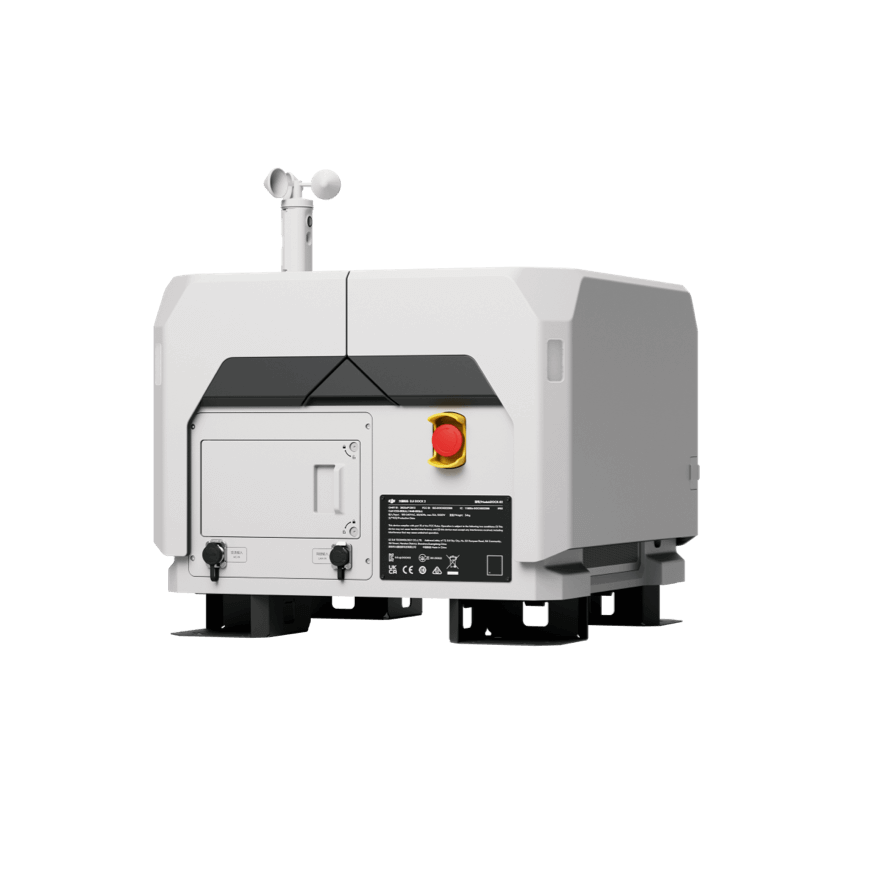
DJI Dock 2

DJI Dock 2

Cloud API · self-serve connection

DJI Dock 3

DJI Dock 3

Cloud API · vehicle-mount ready

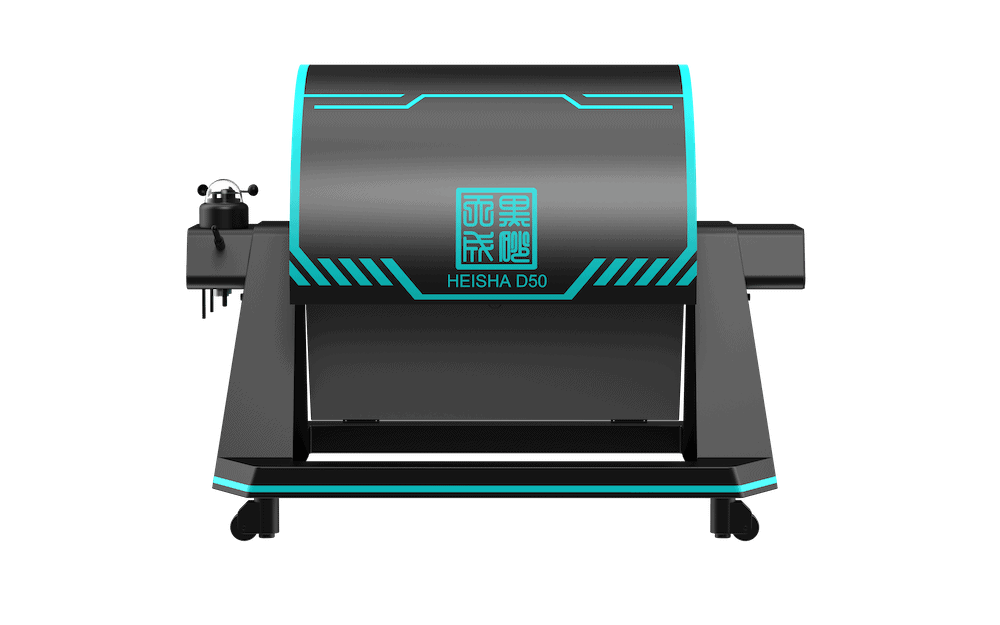
Heisha D50 · D80 · D135

Heisha D50 · D80 · D135

Open dock family · third-party aircraft

Matrice 4 Series
Matrice 4 Series
Matrice 350 RTK
Matrice 350 RTK
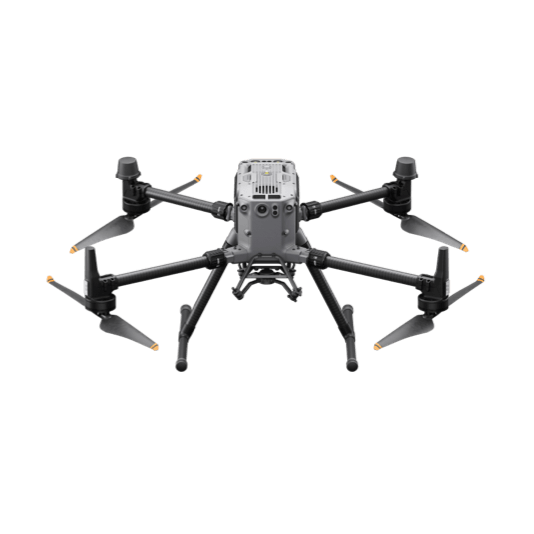
Matrice 400
Matrice 400
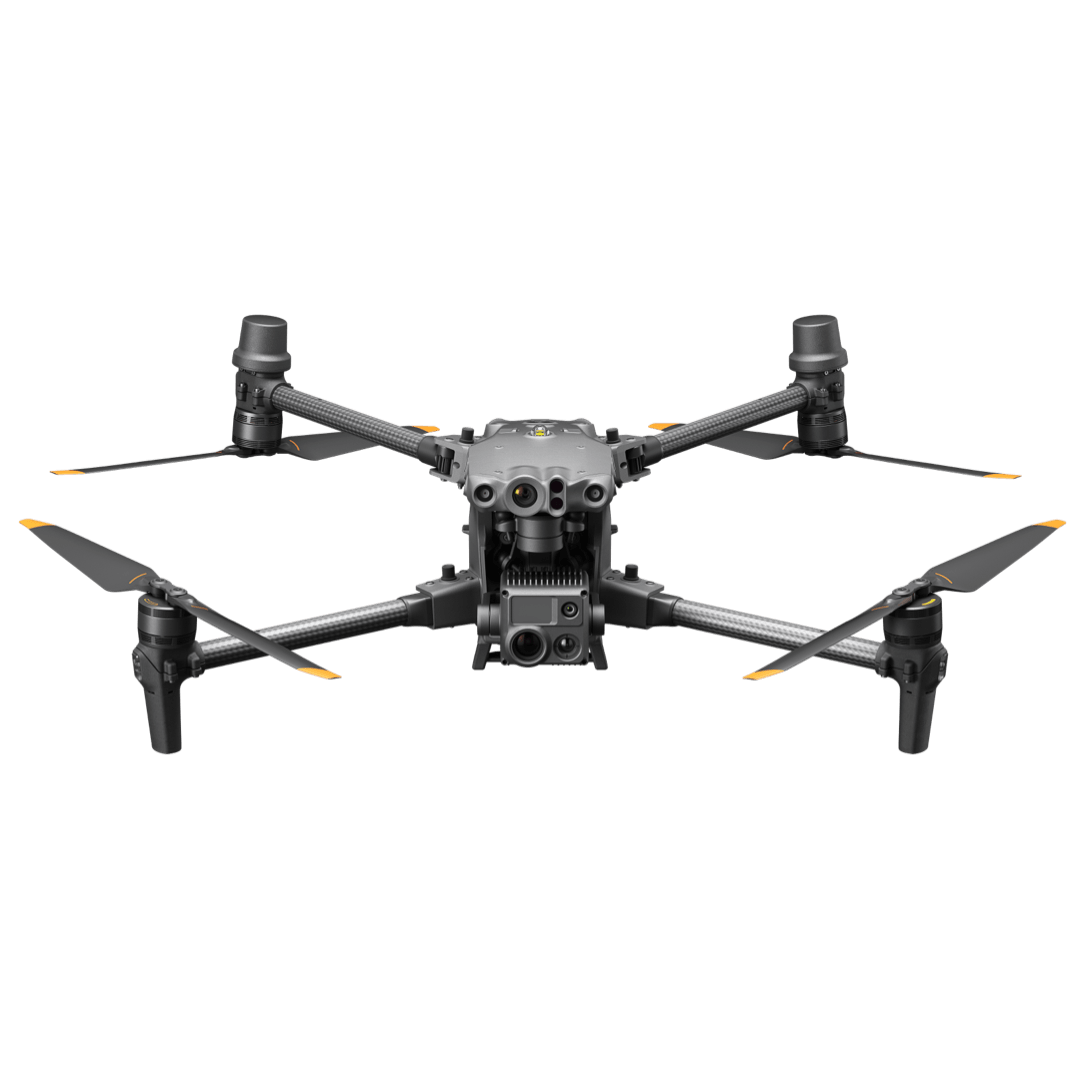
Matrice 30 Series
Matrice 30 Series
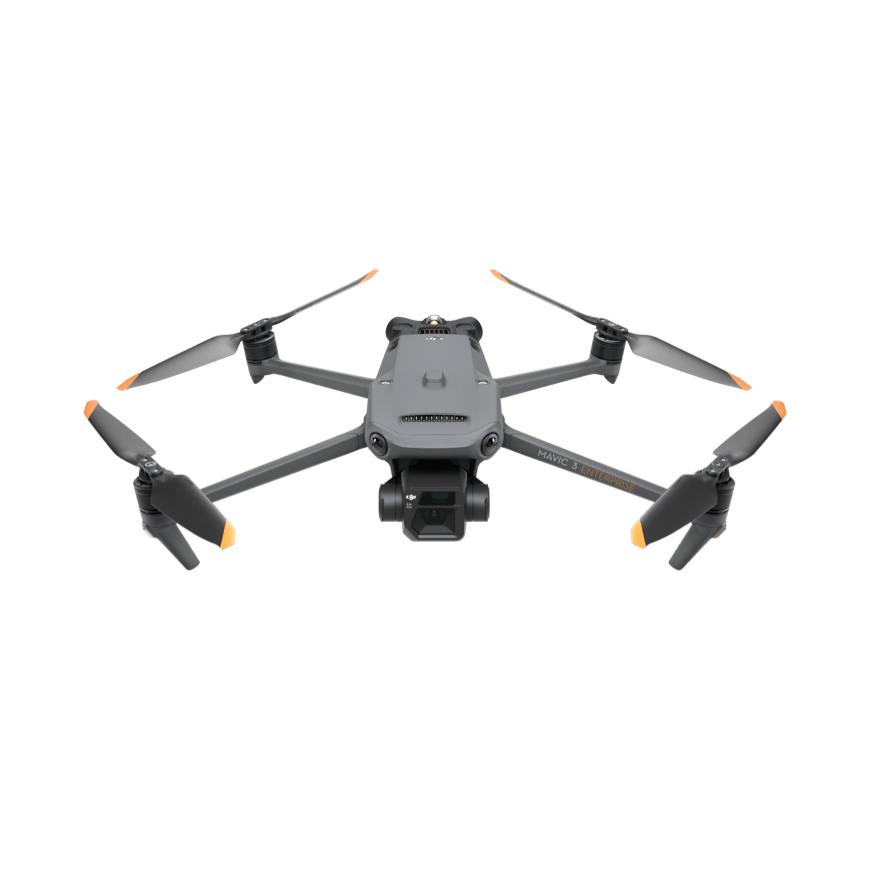
Mavic 3 Enterprise
Mavic 3 Enterprise
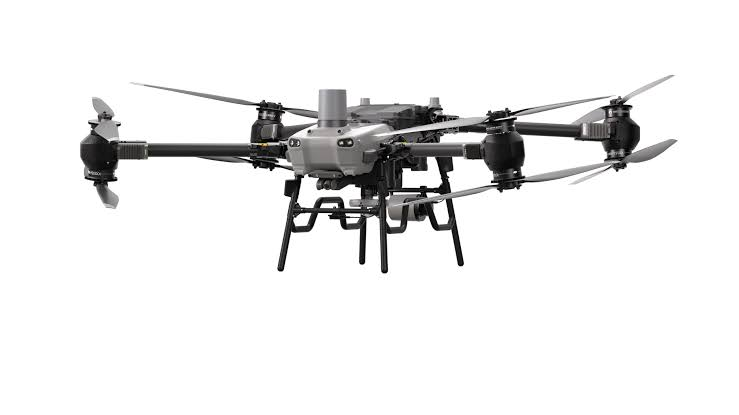
FlyCart 30
FlyCart 30
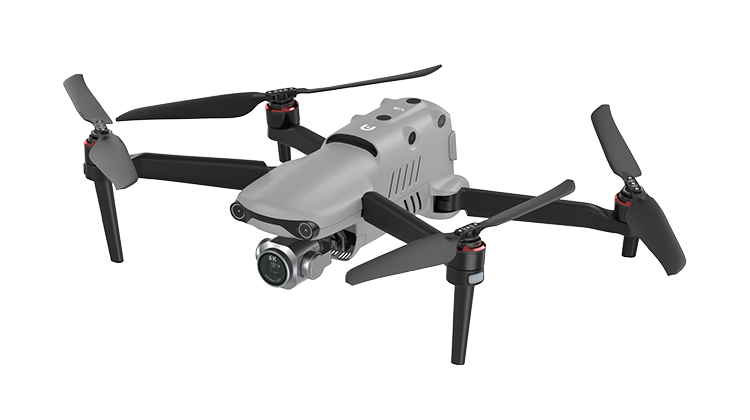
Autel EVO
Autel EVO
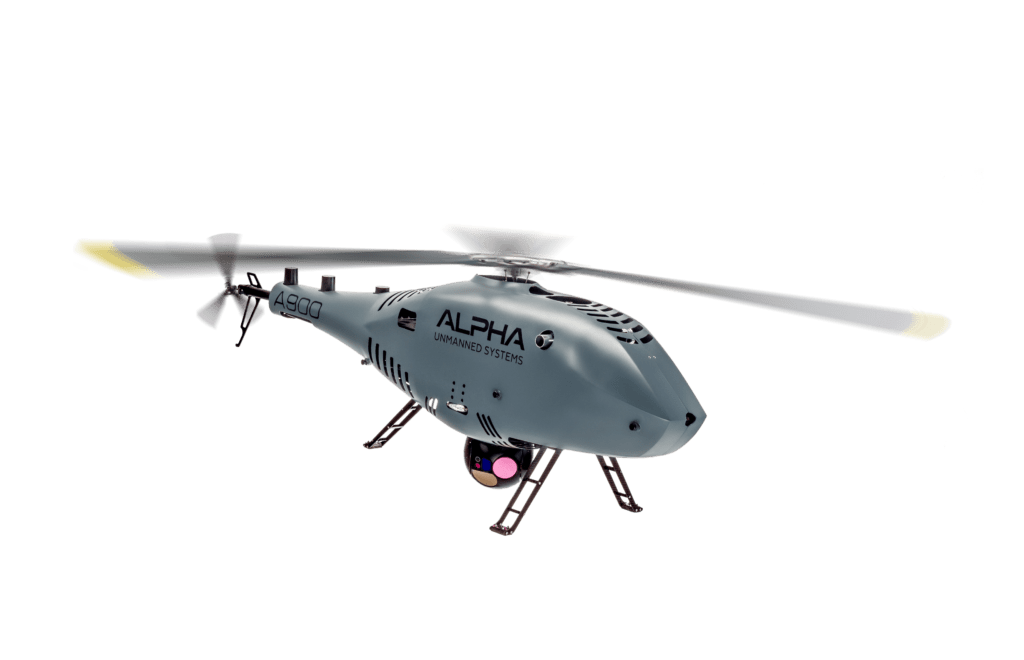
Alpha 900
Alpha 900
Parrot Anafi UKR
Parrot Anafi UKR
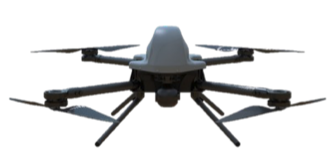
Downwind MAD Littleboy
Downwind MAD
Downwind MAD
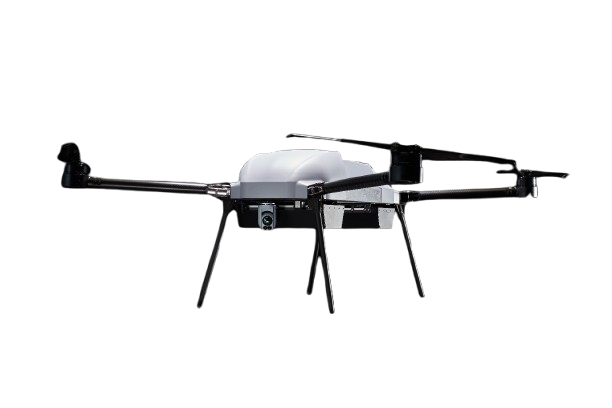
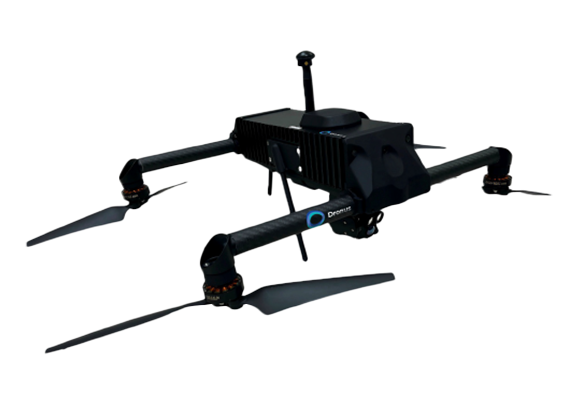
Dronus K500
Dronus K500
Ascent NX30
Ascent NX30
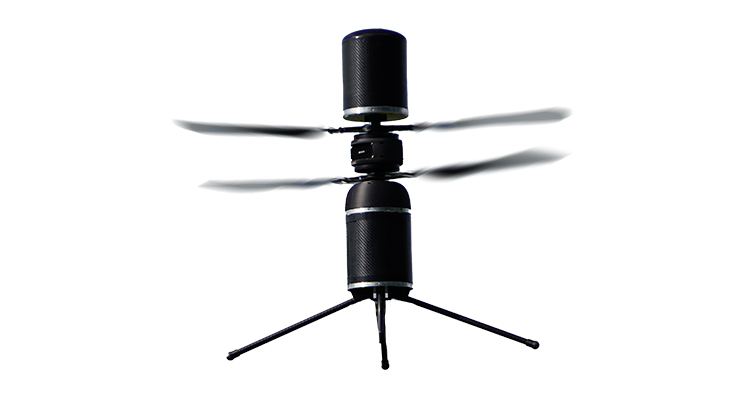
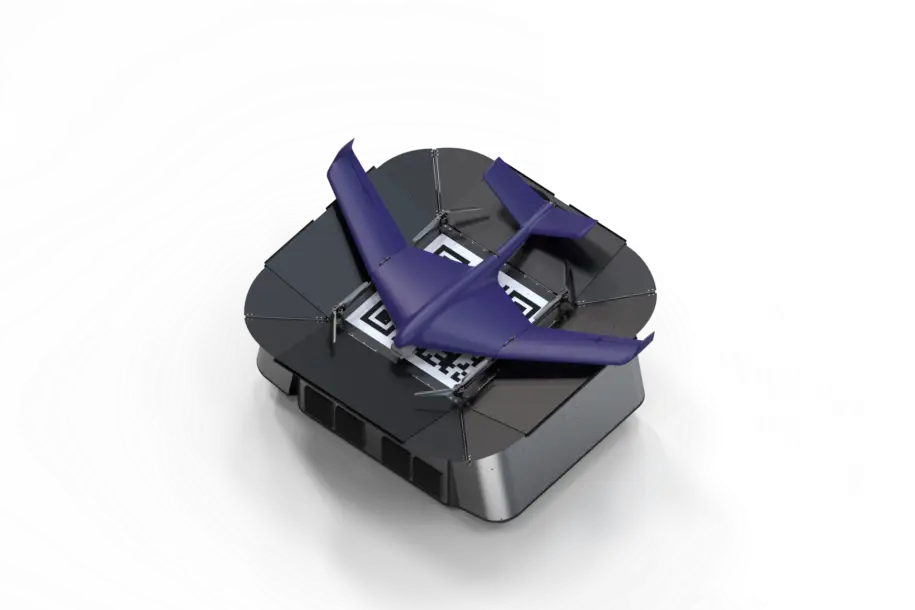
Starling Pathfinder X
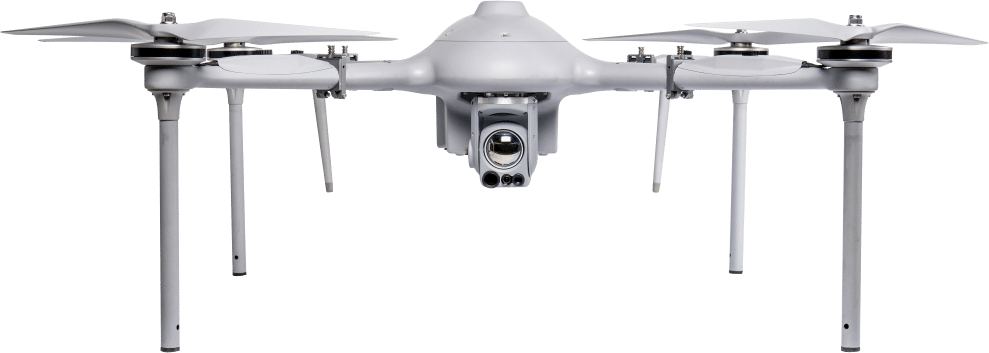
AeroSentinel G2
AeroSentinel G2
AeroSentinel G3
AeroSentinel G3
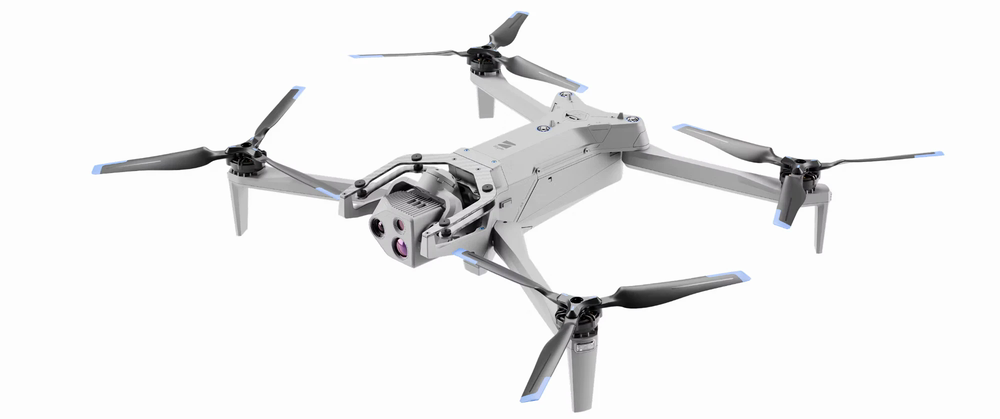
Skydio X10
Skydio X10
+ Your platform next
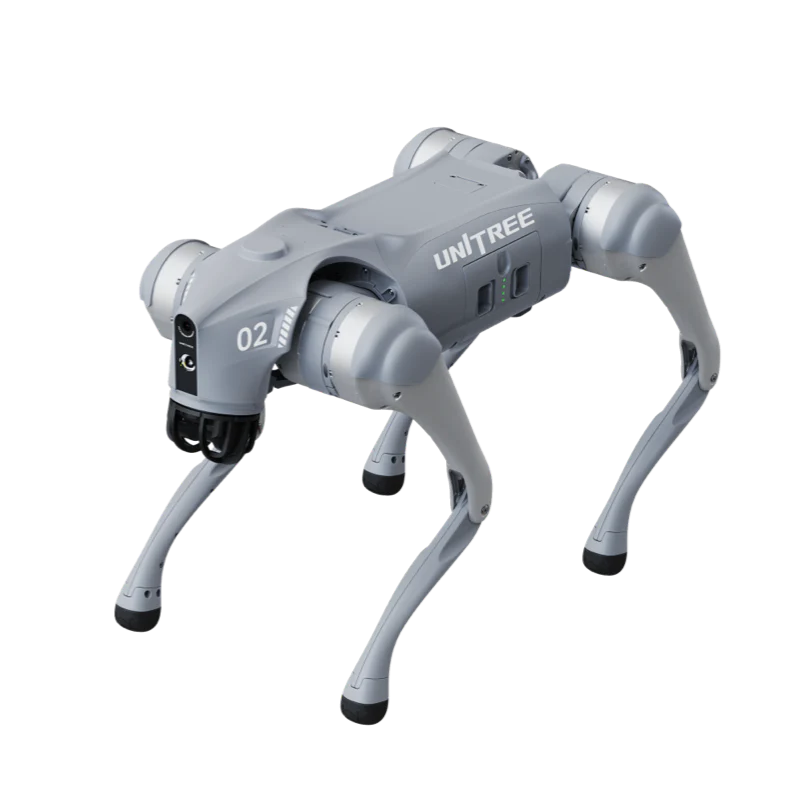
Unitree Go2
Unitree Go2

Any dock, any drone, any robot — new platforms onboard continuously. Product names are trademarks of their respective manufacturers.

Built-in simulation

Fly it in simulation.
Before you fly it for real.

Simulation is built into the platform, not bolted on. The same stack — same planning, same rules, same interfaces — runs simulated fleets, so every mission, operator, and integration can be proven on the ground first.

01

Mission rehearsal

Run the exact mission — routes, restrictions, deconfliction, weather windows — against simulated aircraft before a real one lifts off.

02

Operator training

Train and certify operators on live-looking operations at any scale — full fleets, multiple sites, injected failures — with zero operational risk.

03

Integration testing

Point your C2, VMS, or workflow engine at simulated missions over the same APIs and MCPs — validate the integration end to end before go-live.

Optional pre-installed appliances

Racked and running.
Nothing to install.

Running on-premise? The platform can ship pre-installed, sized by the fleet — from one ruggedized laptop to a full rack, plus an edge node that runs AI at the dock. Or bring your own hardware.
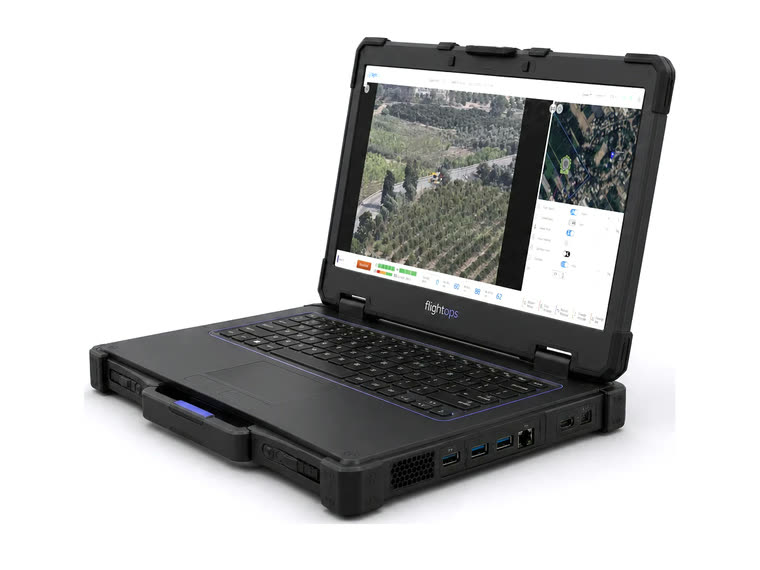
FlightOps Tactical on-premise appliance
T

Tactical

Up to 4 drones 16 cores · 32 GB

The whole platform on one ruggedized laptop — deployable anywhere, no infrastructure.

FlightOps Small on-premise appliance
S

Small

Up to 10 drones 16 cores · 32 GB

The entry appliance — a first dock, a pilot deployment, a starting perimeter.

FlightOps Medium on-premise appliance
M

Medium

Up to 50 drones 32 cores · 128 GB

Multiple sites and perimeters running concurrent missions on one appliance.
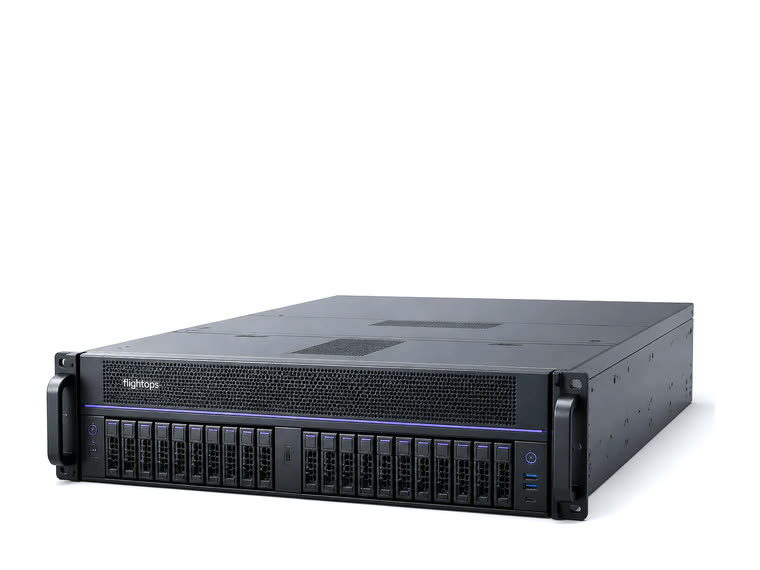
FlightOps Large on-premise appliance
L

Large

Up to 120 drones 64 cores · 256 GB

Fleet-scale operations with headroom for AI processing and photogrammetry.

FlightOps Extra-large on-premise appliance
XL

Extra-large

Talk to us Rack · high availability

National-scale and multi-tenant estates, engineered per programme.

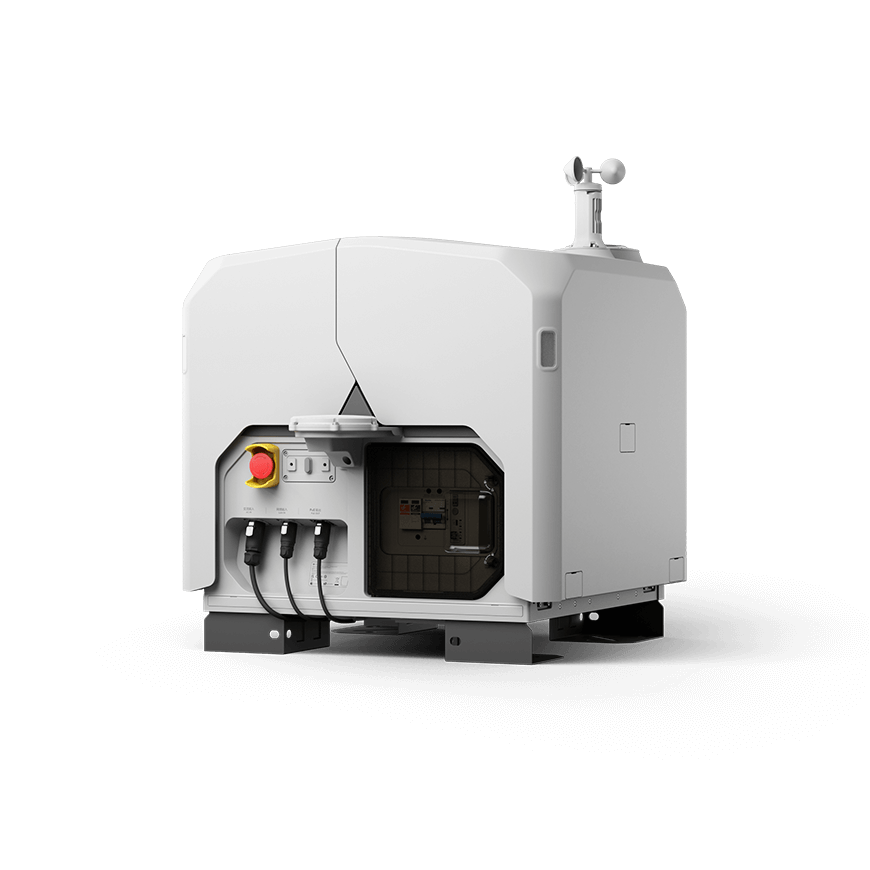
FlightOps Edge node on-premise appliance
R

Edge node

AI at the dock Fanless · outdoor-rated

AI runs at the dock, so operations continue when the link degrades.

Every appliance runs the same software as the cloud — same planning, same validation, same apps.

Extensibility

Open at both ends.
Yours to extend.

The analytics that interpret your video, and the systems that consume the result — both are built to take your own code.

01

Industry AI plugins

The SkyWatch plugin framework ships with built-in analytics and hosts your own models, so video analysis matches the mission — security, inspection, or critical-infrastructure monitoring.

02

Developer infrastructure

Containerised architecture and documented APIs integrate with any C2, application, or analytics tool. FOML and the SDKs let developers define and test autonomous behaviour without building a flight stack.

03

Machine interfaces

Event streams, webhooks, and MCP tooling let enterprise systems dispatch missions and consume results directly — no operator in the loop to move data between platforms.

See your operation
on one platform.

WhatsApp